During our Tech pod meeting, my classmates shared some tech ed resources that they learned about from other classes.
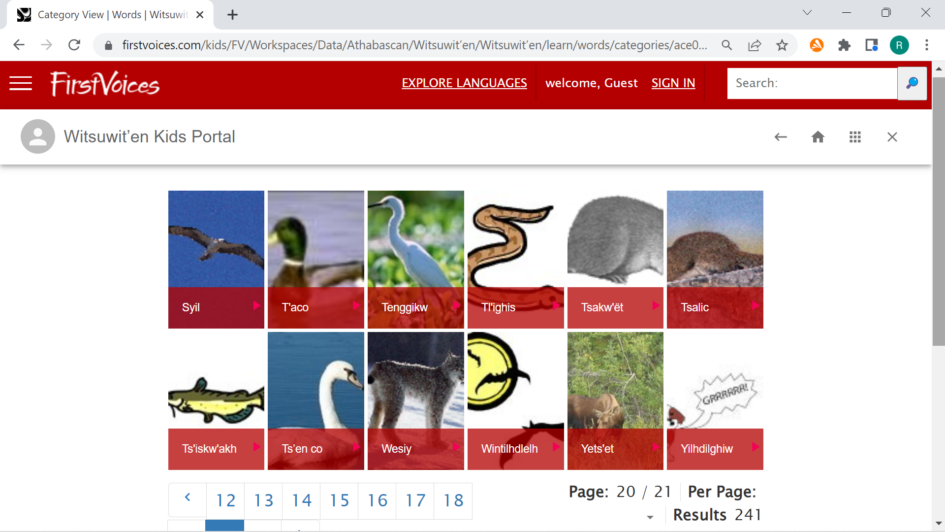
One classmate shared First Voices with me. It will be useful for my inquiry project. There are several indigenous languages to look through, and there are recordings from native speakers. Under the various languages, there are various titles such as songs, stories, and phrases. Not all languages have ample information, but some have links to other websites to look at for more details. On the Cree word page, you can search by the syllabics alphabet, english word, or by part of speech.

Image of a screenshot from the First Voices Cree / Nehiyawewin Language Page
Class Dojo was the next resource. It’s a group sharing space. You can post plans, share pictures and videos, edit a class calendar, make goals, and more. Pictures stay on the site so it can include photos of the kids that families can see. There are resources for teachers to use the system effectively. It seems to be more fitting for elementary level, so I may look into it further if I end up teaching elementary students.
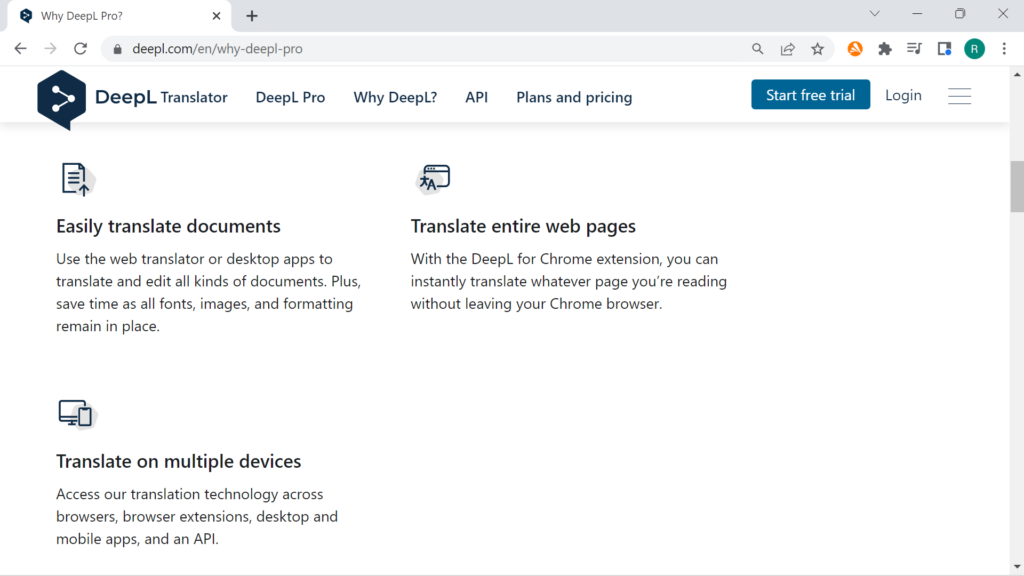
The third resource we discussed was DeepL Translate, which my classmate described as a more accurate translator than Google translate. DeepL touts that it creates the most natural sounding translations. It has 29 language options compared to over 100 on Google translate. One quick example showed some promise: 知らぬが仏 in Japanese translated to “Ignorance is Bliss” in DeepL as I hoped it to be, and it directly translated to “Ignorance is Buddha” in Google Translate. That’s one point for DeepL. I could see myself using this if I want to express some kind of idiom to a student who is an ELL, or to recommend it to them to translate documents if needed.
Leave a Reply
You must be logged in to post a comment.